




“Equatio fits a gap that we felt our resources lacked, an accessible math tool. It fits UDL representation, action and expression needs for all of our students and our 2000 staff members.”
Nick Williams
Director of Technology Innovation BCSD

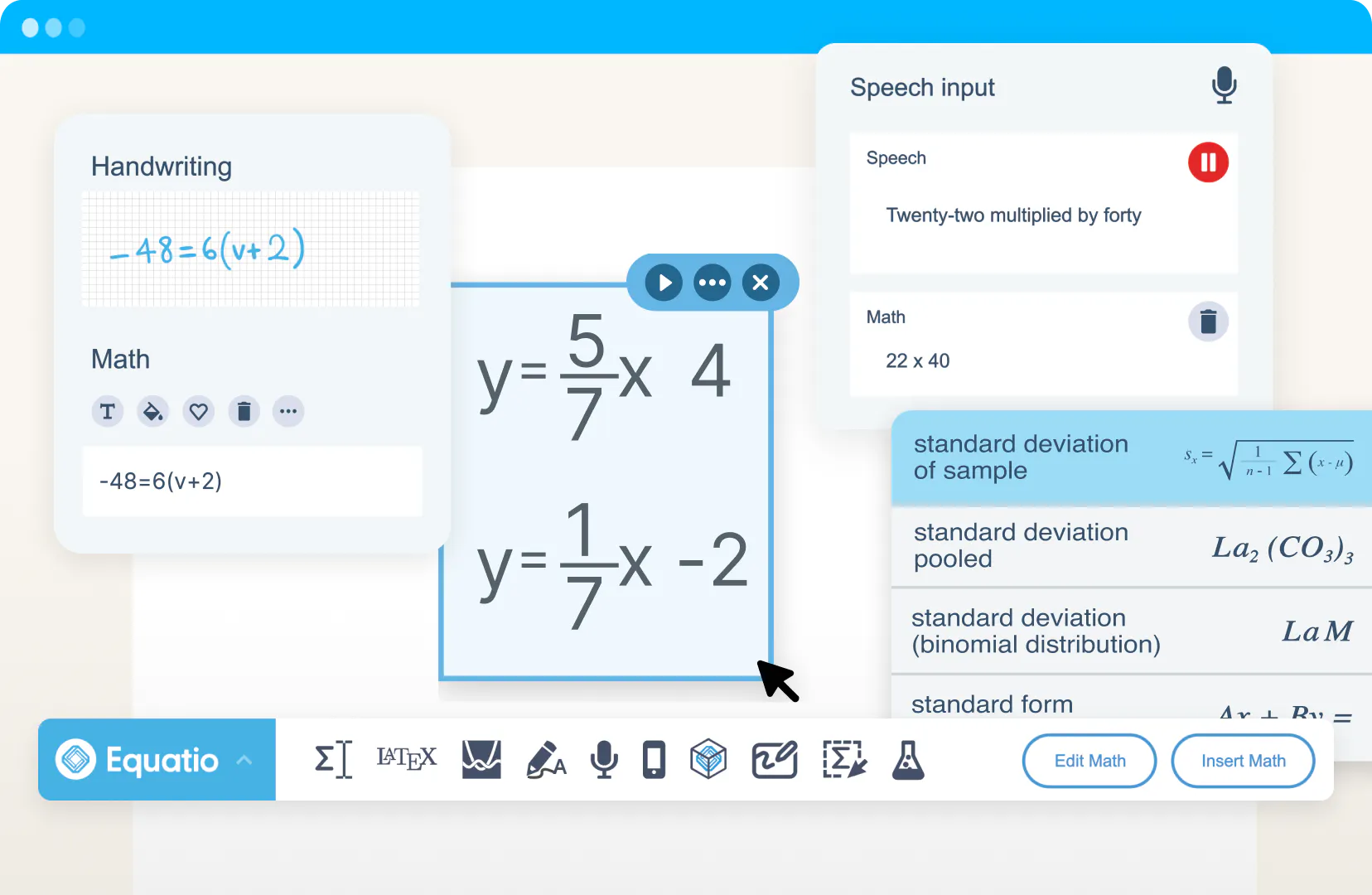
Equatio is a digital math tool that removes barriers to mathematical expression. Speak, type or draw math problems with ease and make math accessible for every learner.
Trusted by:


Every classroom includes students with different learning styles and needs. Equatio helps create inclusive math experiences by giving students simple ways to express and explore their thinking.
Equatio brings together everything you need to create and work with math digitally.

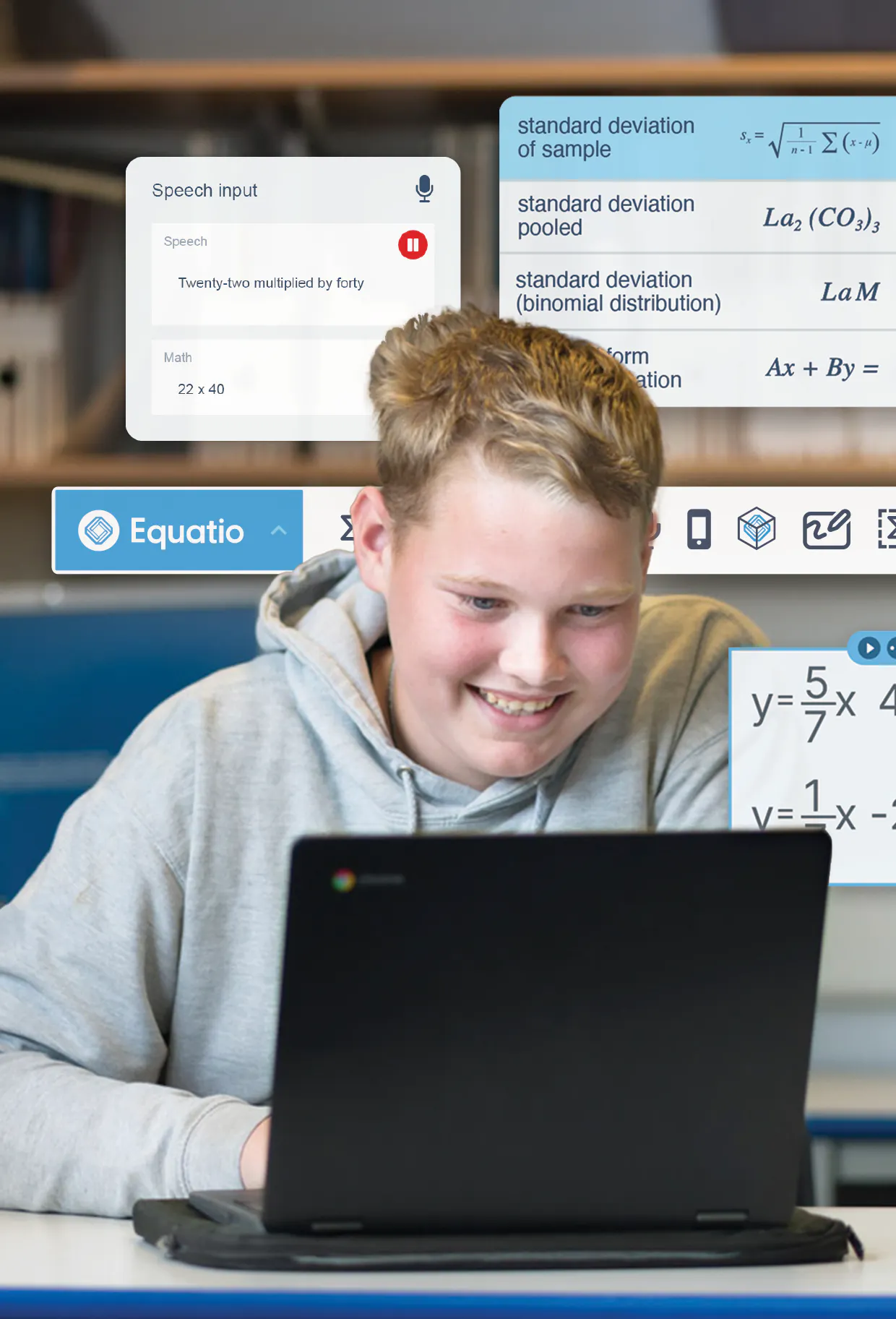
Speak equations aloud and turn words into written math.

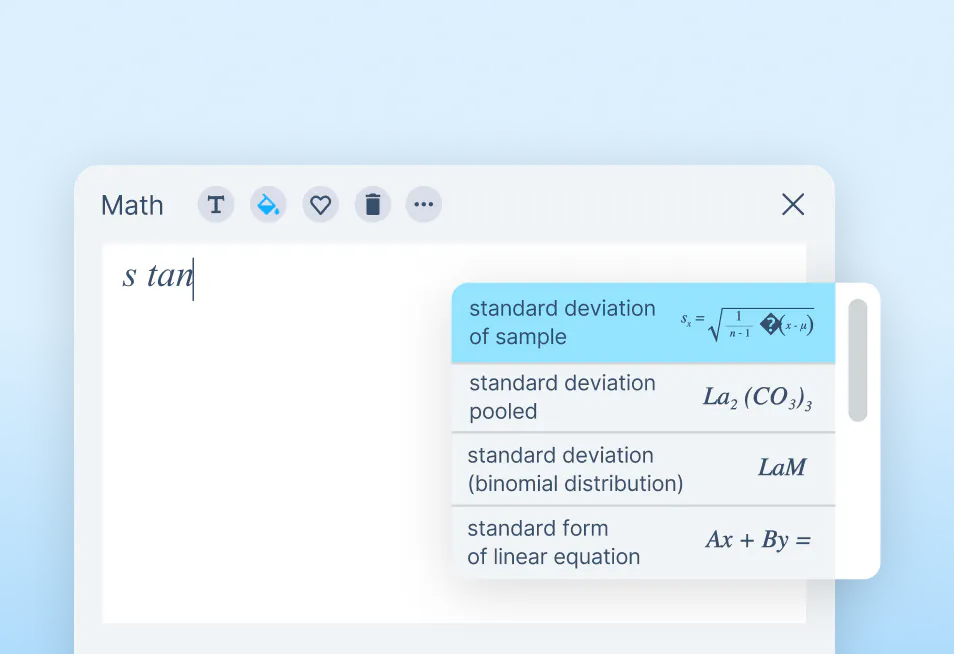
Type math and science expressions with built-in prediction.

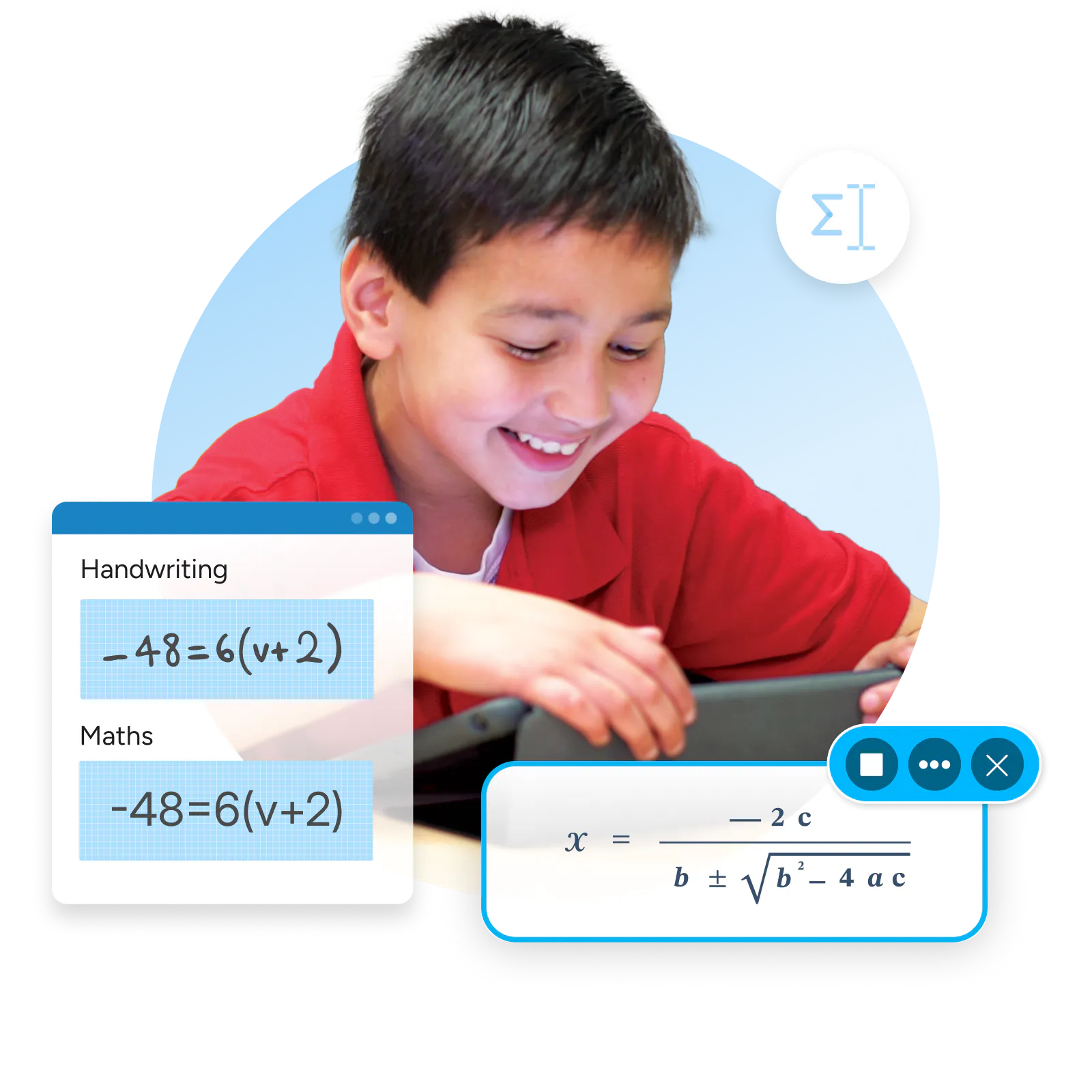
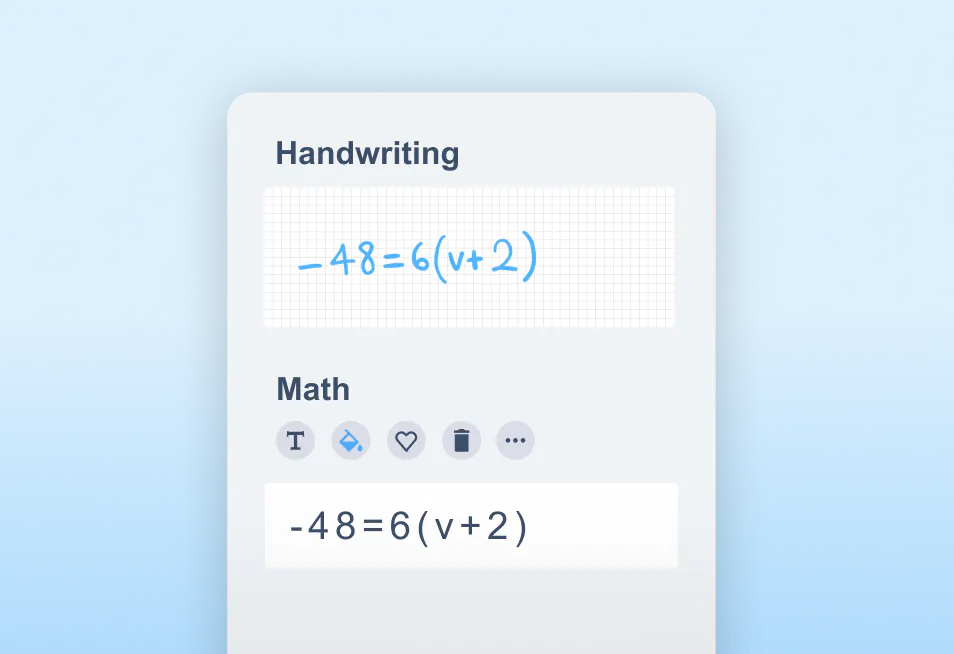
Write math by hand using a mouse or touchscreen, and convert it into digital equations.
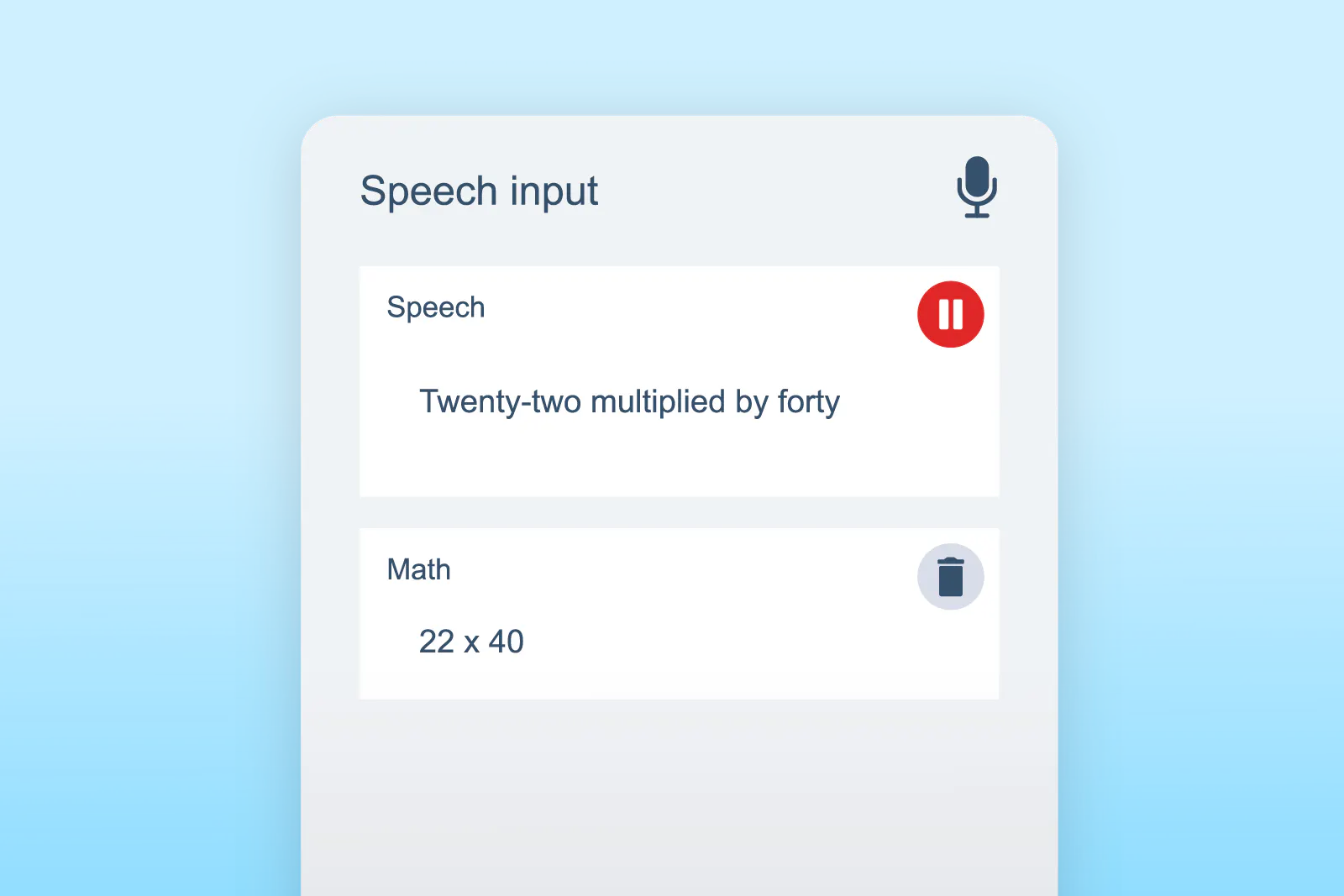

 Speech input

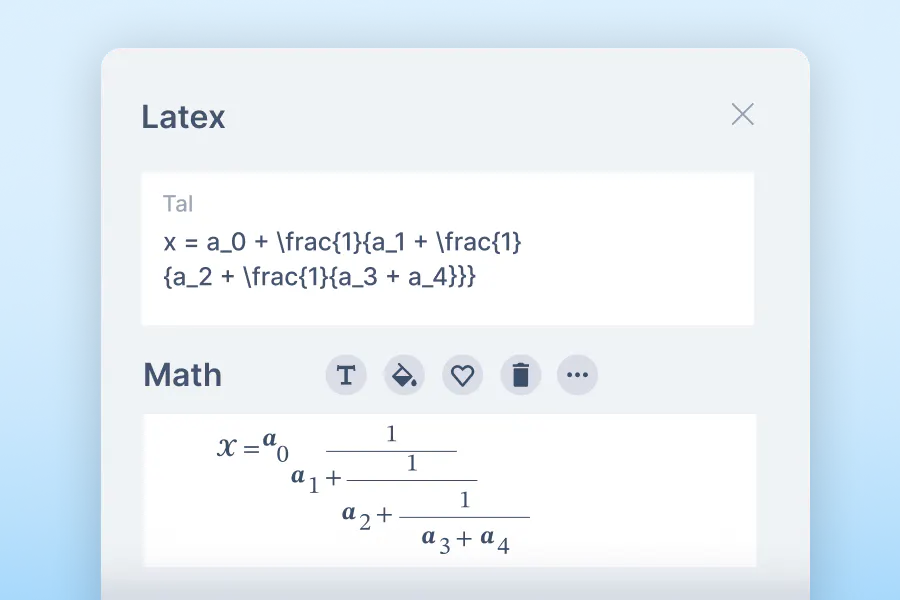
Create and edit LaTeX expressions with ease.

Get suggested symbols and structures as you type, so you can work faster.
Help students see and understand how math works.

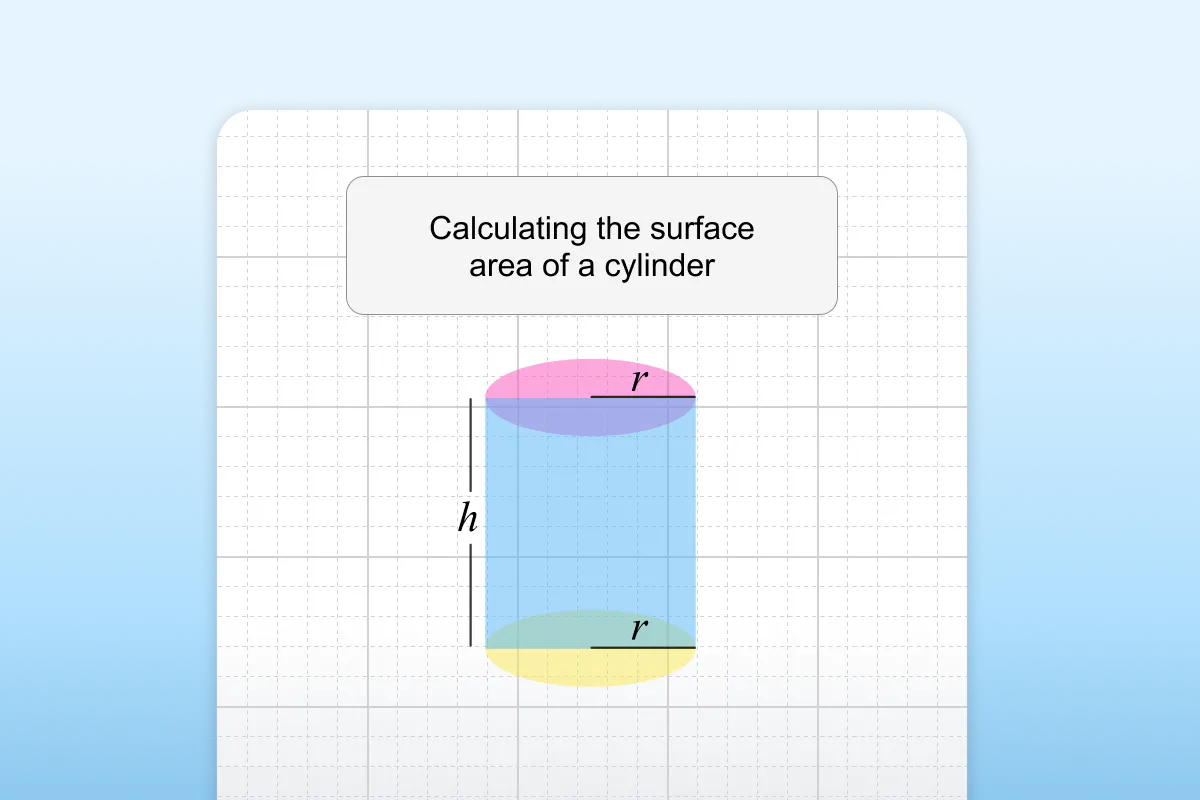
Draw, annotate, and explore ideas using shapes, arrows, and freehand tools.

Plot graphs, create tables, and explore data visually.
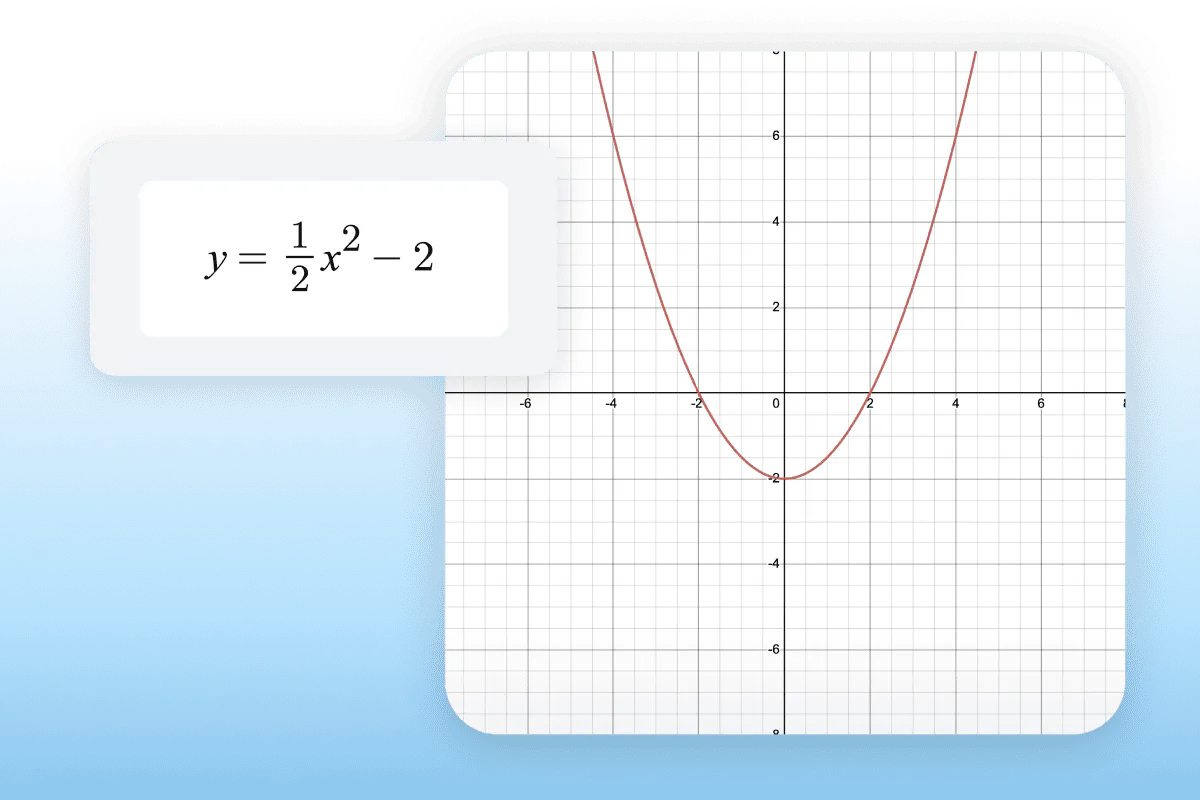
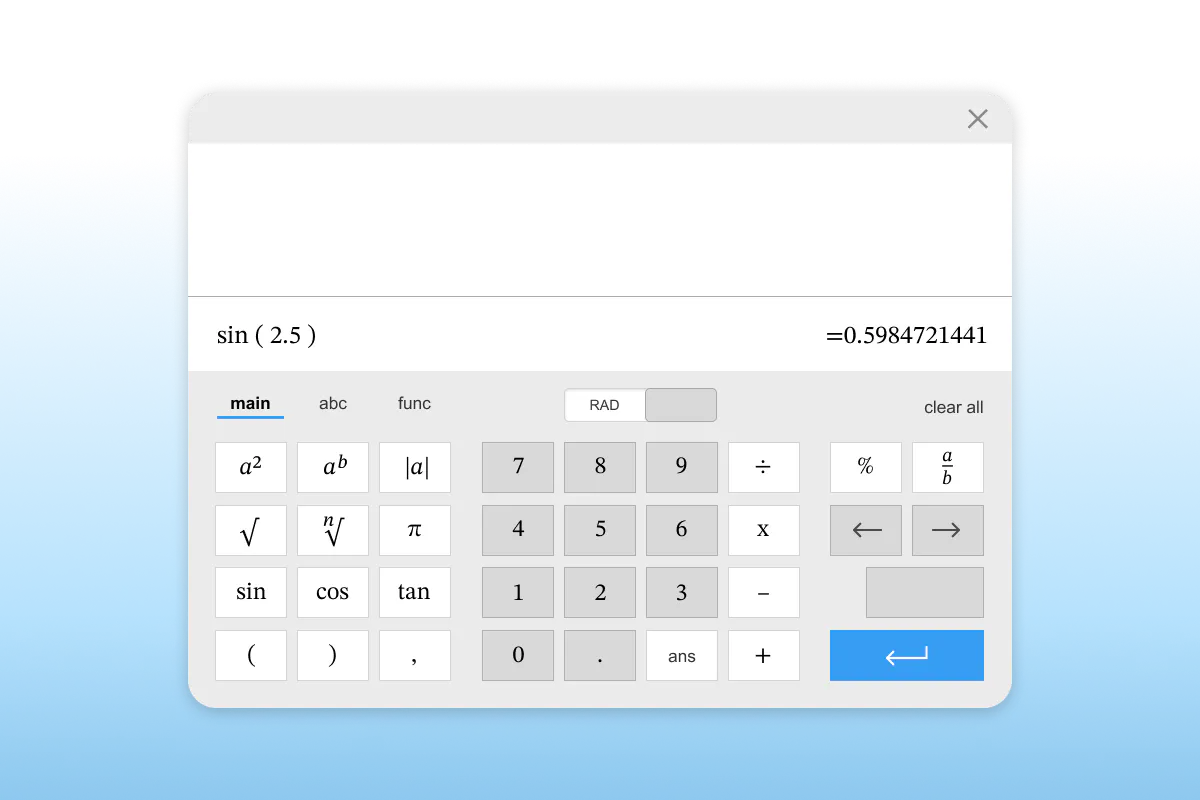
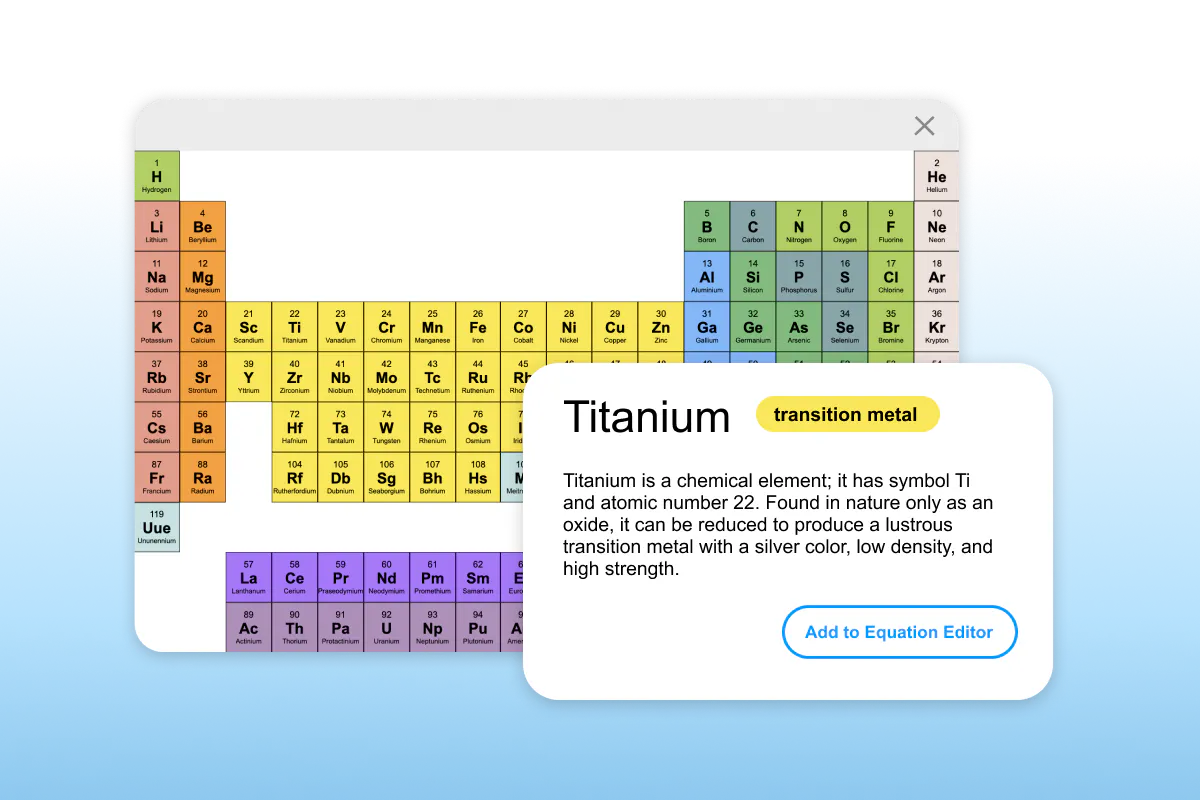 Whiteboard

Solve everything from basic calculations to advanced functions.

Access periodic tables, chemical formula tools, and more.
Give every student a way to take part in math learning.

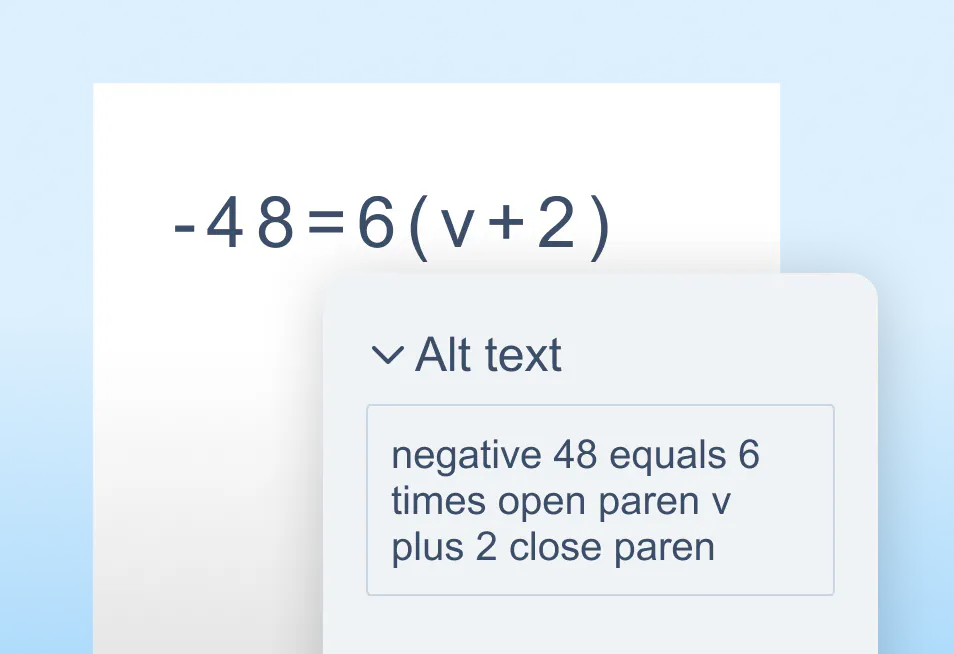
Turn any equation into accessible, readable math.
Make sure screen readers can describe math clearly.
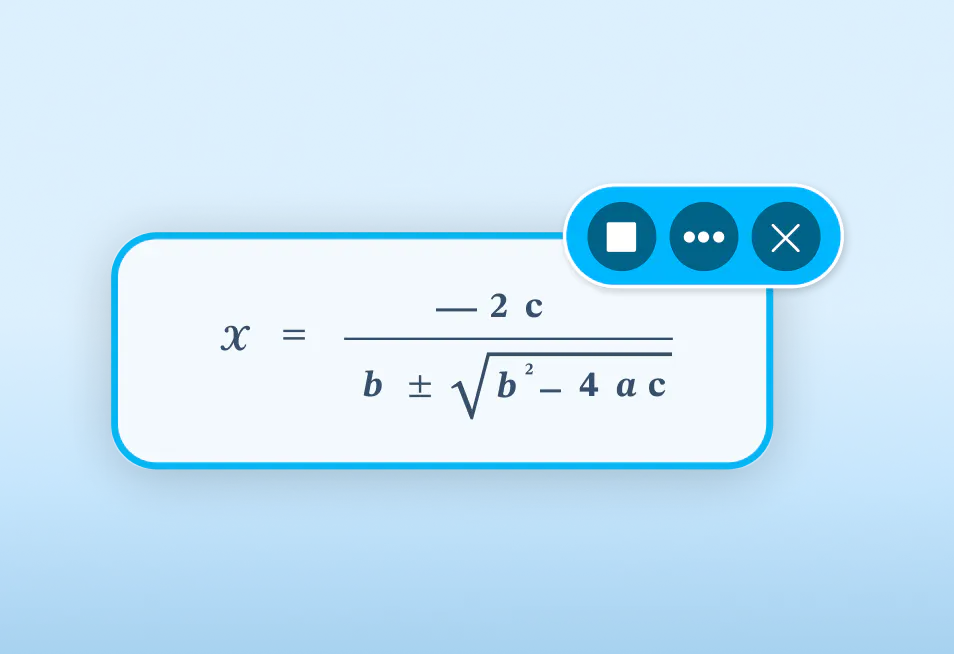
 Screenshot reader

Scan printed worksheets and turn them into digital math.

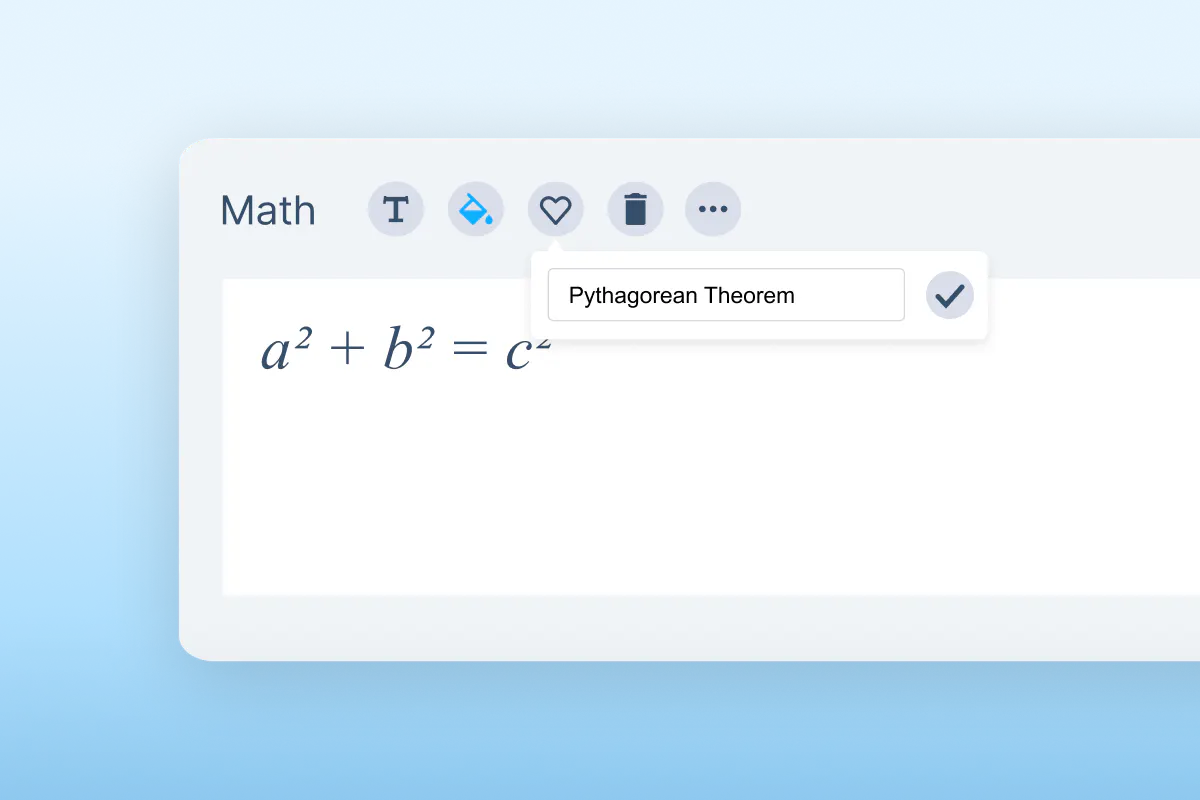
Save and reuse frequently used equations.
Support practice, problem-solving, and assessment.

Get step-by-step explanations and practice problems.
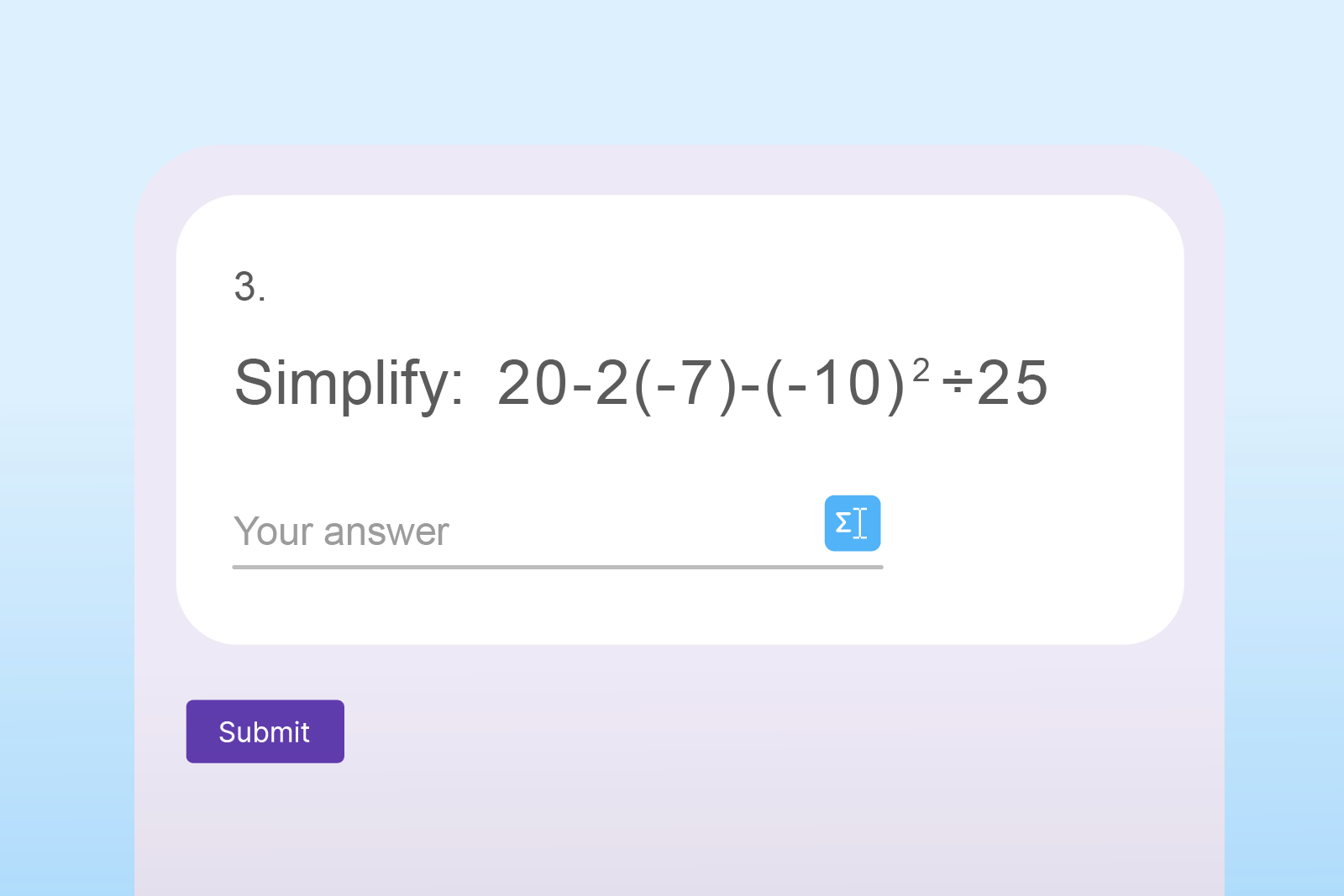
Create math assessments quickly in Google Forms.
Students can work through problems at their own pace, while teachers save time preparing materials.
When students can access and express math in ways that work for them, results improve.
Schools using Equatio report:
Nick Williams
Director of Technology Innovation BCSD
Dan Lyons
Math teacher, Lakeview-Fort Oglethorpe High School


Equatio fits into your existing setup with no disruption.


It works with:
Available on:
We offer pricing for all schools and needs. If you have a specific need, please book a chat with our Product Specialists. We offer pricing plans for the following:
Paid plans from
Inclusions
We offer free access to Read&Write to K-12 teachers. This means you can get a premium subscription to our literacy support toolbar for free!
Get your free accountPricing plans for every need
We offer pricing for all schools and needs. If you have a specific need, please book a chat with our Product specialists. We offer pricing plans for the following:
Discover how Equatio helps students engage with math and build confidence.
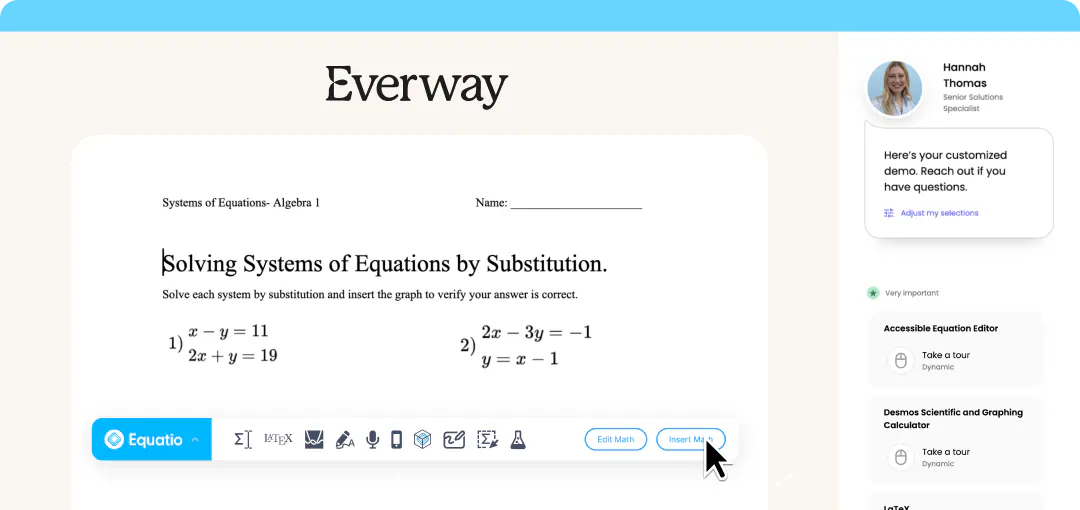
Complete the form to request a personalized demo or a quote and we'll be in touch promptly.
Along with Equatio, our suite of education software can support educators to improve student outcomes from K-12 and into higher education.
Equatio is a digital math tool that helps students create, understand, and interact with math using speech, typing, or drawing.
Equatio works on web browsers, desktop devices, and mobile, and integrates with major learning platforms.
Yes. Equatio supports science and other subjects that use formulas, graphs, or structured problem-solving.
Yes. Equatio includes alt text for equations, screen reader support, and multiple input methods.
Yes. Students can access Equatio from anywhere and continue learning across devices.
Safe and Secure
Our products provide the highest possible level of security for student, school/district and enterprise data.