Choosing special education software is one of the most important decisions a district makes for its students with disabilities and the people who support them.
The right system keeps IEPs and 504 plans compliant, keeps families informed in their own language and gives educators time back for students. The wrong one adds clicks, workarounds and risk.
We have worked alongside special education teams for many years, and the same lesson comes up again and again:
The best choice starts with your people, not a feature list.
So this guide covers the evaluation criteria that matter most, the questions we would ask any vendor, and a short checklist you can take into your next demo.
Key features to look for in special education software
These are the evaluation criteria we see make the biggest difference for districts. Not every district needs every feature, but each one deserves a clear answer before you sign.
1. Compliance alerts and built-in error checks
Compliance should be designed into the workflow, not checked at the end. Look for special education management software that:
- Flags missing required fields and blocks a document from being finalized until it is complete
- Sends reminders for annual reviews, three-year re-evaluations and other due dates, both on screen and by email
- Shows which students are coming up for review on a dashboard
- Uses dynamic forms that skip sections that do not apply, so staff only see what is relevant
- Prompts staff when progress data has not been recorded within the required timeframe
Ask the vendor to show you exactly what happens when a teacher tries to finalize an IEP with a missing field. Strong systems catch errors before a state audit does.
2. State-specific forms and state wide consistency
IDEA sets the federal floor, but every state adds its own forms, timelines and reporting requirements, and those change. Your software should use your state's forms, not a generic template, and the vendor should update them when state guidance changes.
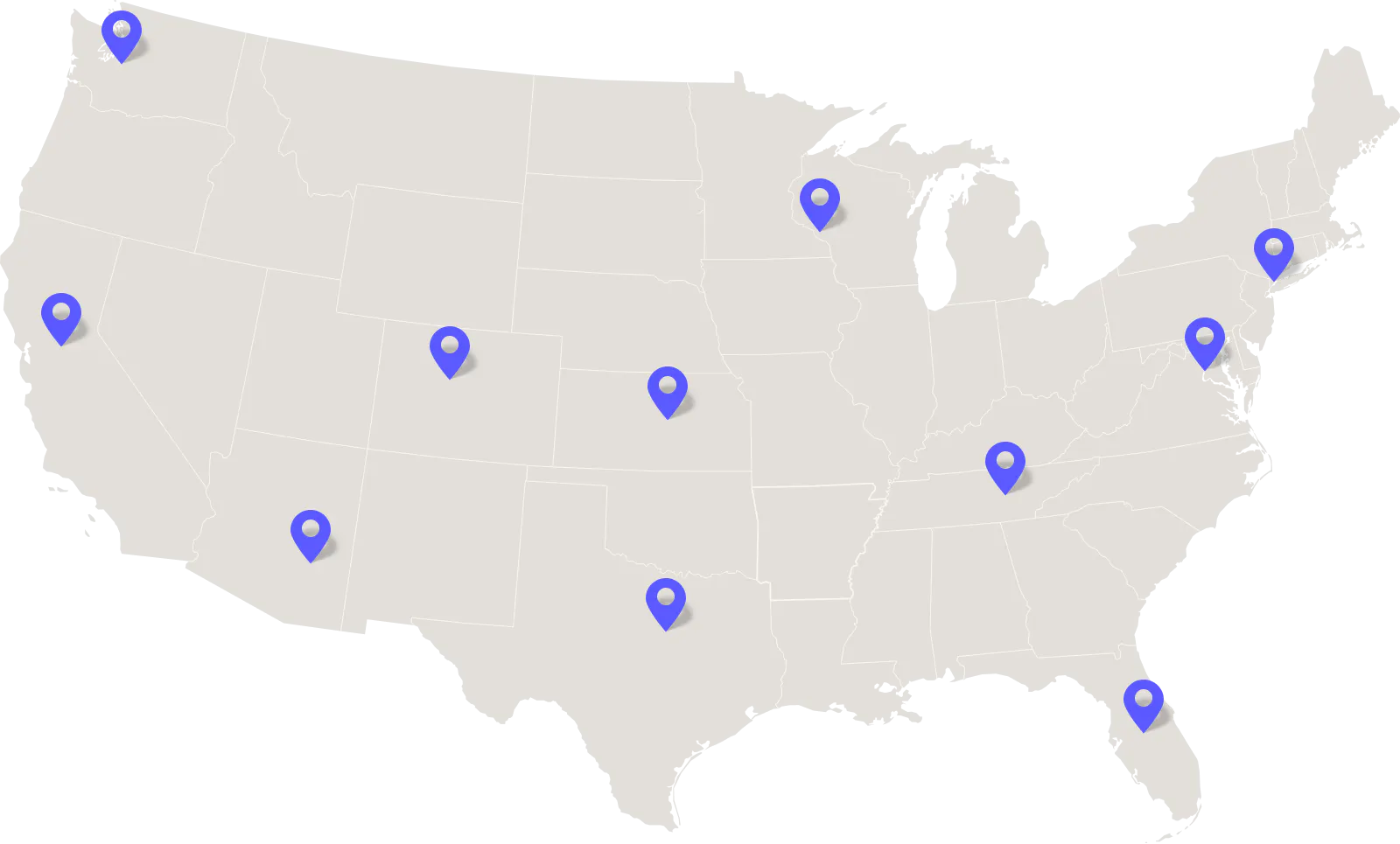
If you are part of a cooperative, an educational service agency or a state-led initiative, also ask about consistency across schools and districts. Useful capabilities include school-level and state wide compliance reporting (for example, by disability category) and secure electronic transfer of student records when a student moves to another district using the same platform.
3. Family communication, e-signatures and translation
Families are equal members of the IEP team, and software should make that partnership easier.
Look for:
- A secure parent portal where families can view documents in any web browser
- Built-in electronic signatures for consent, with signed documents stored with the student record
- Translation of both form text and staff-written content, with a way for staff to review translations before sharing
- Clear pricing for e-signatures and translation, so costs do not rise as you engage more families
Families need information they can understand to take part in decisions about their child's education. Under IDEA, schools must provide prior written notice in a parent's native language or other way of communicating, unless it's clearly not feasible (34 CFR § 300.503). For districts serving families who speak different languages, paying to translate each document can become costly.
4. Accessibility for staff, students and families
The system itself must be usable by everyone who relies on it, including staff and parents with disabilities and people using screen readers, keyboard navigation or magnification.
Ask for:
- Conformance with WCAG 2.1 Level AA as a minimum, with a roadmap toward WCAG 2.2 AA
- A current Accessibility Conformance Report (ACR), usually completed using the VPAT template, including the Section 508 edition
- Accessible output: tagged, readable PDFs and documents that families can open with assistive technology
Accessibility is also a legal requirement. Under the Department of Justice's ADA Title II rule, public school districts must make their websites, digital content and mobile apps accessible to people with disabilities, including services provided through third-party vendors. The rule uses WCAG 2.1 Level AA as its standard, with some exceptions.
Following an extension in April 2026, the compliance deadlines are:
- April 26, 2027 for public entities serving populations of 50,000 or more
- April 26, 2028 for those serving populations under 50,000 and special district governments.
5. Data security and student privacy
Special education records hold some of the most sensitive information a district manages. Ask every vendor to explain, in writing, how they meet FERPA and your state's student privacy law, where data is hosted, who can access it and how quickly they notify you of an incident.
Look for:
- Role-based permissions, so staff only see the students and records they need
- Single sign-on (SSO) and strong authentication
- Independent security certification or audit, such as ISO/IEC 27001 or a SOC 2 report
- A signed data privacy agreement that meets your state's requirements
- Audit trails and the ability to recover deleted or overwritten content
6. SIS integration and data flow
Re-entering demographic and enrolment data is slow and creates errors. A good integration with your student information system (SIS) keeps rosters current automatically and can push key information back, such as IEP summaries or accommodations that classroom teachers need. Ask which SIS platforms are supported today, whether the integration is real-time or scheduled, who maintains it and whether there is an extra cost.
7. Goal writing and progress monitoring
High-quality IEP goals are specific and measurable, and the data behind them should be easy to collect. Useful IEP writing software features include a SMART goal builder that prompts for timeframe, behavior, condition and criterion, goal libraries the district can customize, and AI suggestions that educators always review and edit.
For progress monitoring, look for automatic graphs, progress reports generated from data already entered (no duplicate work) and alerts when progress is not recorded on time. This is how teams spot early when a learner needs a different kind of support.
8. Section 504 and MTSS in the same platform
Many students move between general education interventions, 504 plans and IEPs. Running these in separate tools means duplicate records and lost history. Look for a platform where 504 plans, accommodations and MTSS documentation sit alongside IEPs, with shared student records and consistent workflows. Our Section 504 compliance guide covers the reports and timelines 504 teams should be able to produce.
For MTSS, check that districts can configure tiers, interventions, screeners and fidelity checklists, and that teams can see a student's intervention history before planning next steps.
9. Medicaid billing and service tracking
If your district bills Medicaid for school-based services, connecting service documentation to the IEP saves time and protects revenue. Look for:
- Service logs that link to the services prescribed in the IEP
- Group data entry for sessions with several students, while keeping individual claims
- Claim checks before submission, for example for parental consent, prescriptions or referrals and co-signatures, based on your state's rules
- A dashboard showing what is blocking claims
- Vendor support for provider enrolment, claim submission and denied claims
Our guide to Medicaid billing for special education explains the requirements in more detail.
10. Reporting, everyday usability and support
Administrators should be able to see district-wide compliance data without asking the technology team. Look for ready-made compliance and timeline reports, custom reports you can save and share, and batch printing of progress reports and plan summaries (ideally translated first).
Day-to-day details matter just as much: auto-save, the ability for several team members to work on different sections of the same IEP at once, and fast, human support from people who understand special education. Ask how long a standard setup takes, how training is delivered and what support looks like during your busiest weeks.
Questions to ask special education software vendors
Use these questions in demos and in your RFP. Ask vendors to show, not tell, wherever possible.
- Can you show a teacher finalizing an IEP with a missing required field? What happens?
- Do you use our state's forms, and how quickly do you update them when state guidance changes?
- Is translation included? How many languages, does it cover staff-written text and can staff review it before sharing?
- Are e-signatures and the parent portal included in the price?
- Can you share a current ACR/VPAT? Which WCAG version and level does it report against, and what are the known gaps?
- Which security certifications or audits do you hold (for example ISO/IEC 27001 or SOC 2)? Will you sign our state's data privacy agreement?
- Which SIS platforms do you integrate with today, and is the integration included?
- Can IEPs, 504 plans, MTSS and Medicaid billing share one student record?
- How do you handle student record transfers between districts?
- How long does setup take, what training is included and what are your support hours?
- Can you connect us with a district of similar size and state to ours as a reference?
Special education software checklist
Take this short checklist into every demo:
- Required-field checks and due date alerts for reviews and reevaluations
- State-specific forms, kept up to date by the vendor
- Parent portal, free e-signatures and translation of form and staff-written text
- WCAG 2.1 AA conformance (with plans for 2.2) and a current ACR/VPAT
- FERPA and state privacy compliance, independent security certification, role-based access and SSO
- SIS integration that keeps data current in both directions
- SMART goal builder and progress monitoring with automatic graphs
- Section 504 and MTSS in the same platform as IEPs
- Medicaid service logs and claim checks, if your district bills Medicaid
- Dashboards, custom reports and batch printing
- Auto-save, real-time collaboration and human support
How Everway supports special education teams
Everway offers several special education software options, so districts can choose the fit for their state, size and ways of working. Explore our IEP solutions and other special education solutions.
- Embrace includes required-field checks, compliance alerts and reminders for annual reviews and three-year reevaluations, and updates forms as state guidelines change. It offers free e-signatures, translation into dozens of languages at no additional charge, real-time collaboration and an AI goal builder that educators review and edit. The wider platform covers Section 504, MTSS, progress monitoring and Medicaid billing, where the Embrace Medicaid Success Team supports provider enrollment, claim submission and denied claims.
- SpedTrack uses guided workflows to flag missing information and upcoming deadlines early. It integrates with major student information systems to share IEP summaries with teachers, creates progress graphs and estimated mastery dates automatically, and includes modules for Section 504, services tracking, Medicaid billing and translation into more than 100 languages.
- Polaris is a collaborative IEP solution that recommends present levels, SMART goals and accommodations from assessment data, with on-screen guidance through each step. It draws data from Unique Learning System and Inspire, making it a strong fit for classrooms already using those programs.
Across these products, Everway lists COPPA, FERPA, GDPR and SOPPA compliance and ISO/IEC 27001 certification. Our aim is simple: systems that take care of the paperwork so educators can focus on every learner.