Dyslexia support with Read&Write
Classroom-ready tools that build literacy skills and confidence.
Classroom-ready tools that build literacy skills and confidence.
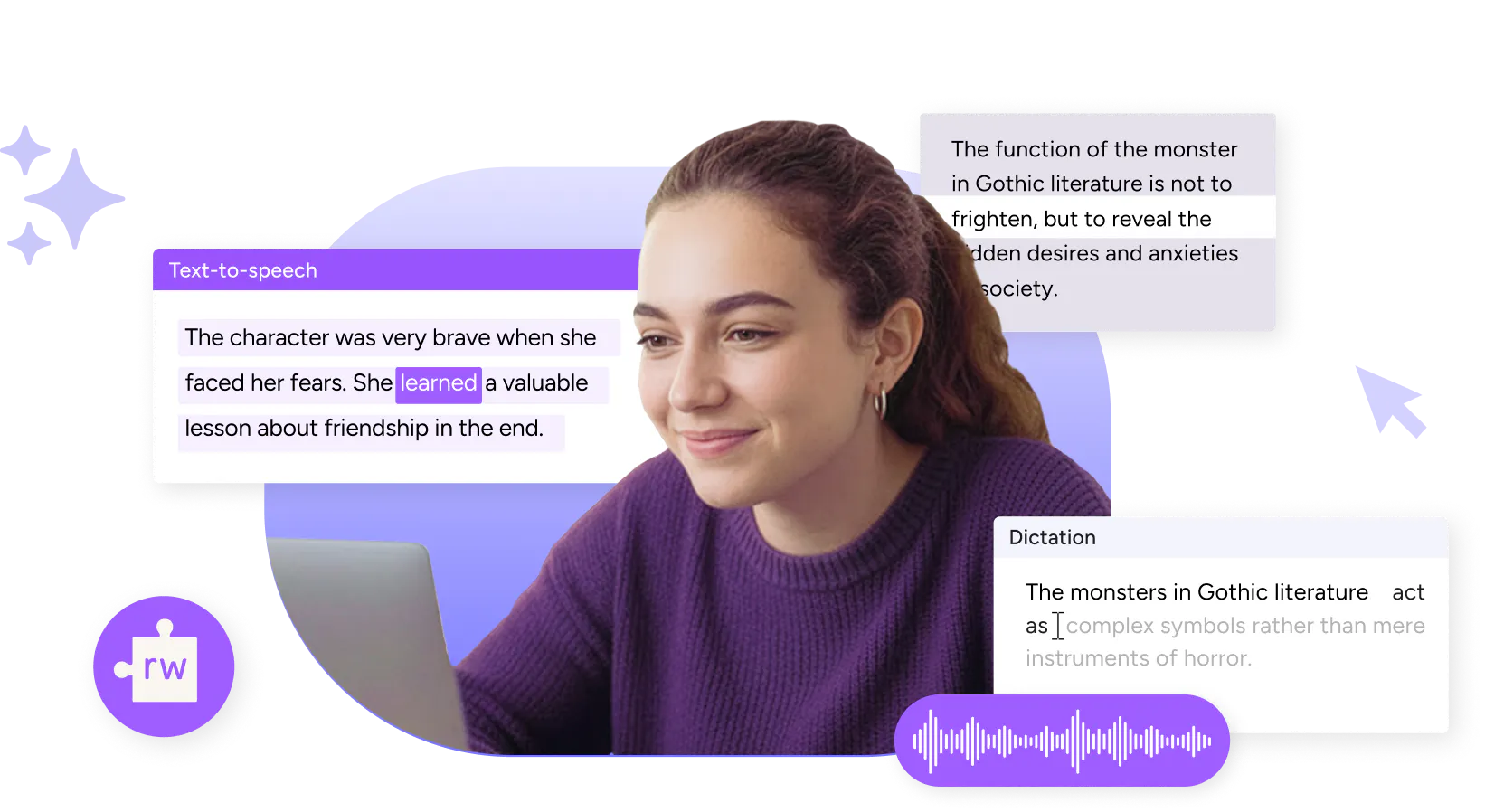
Read&Write offers tools to help students with dyslexia work independently.

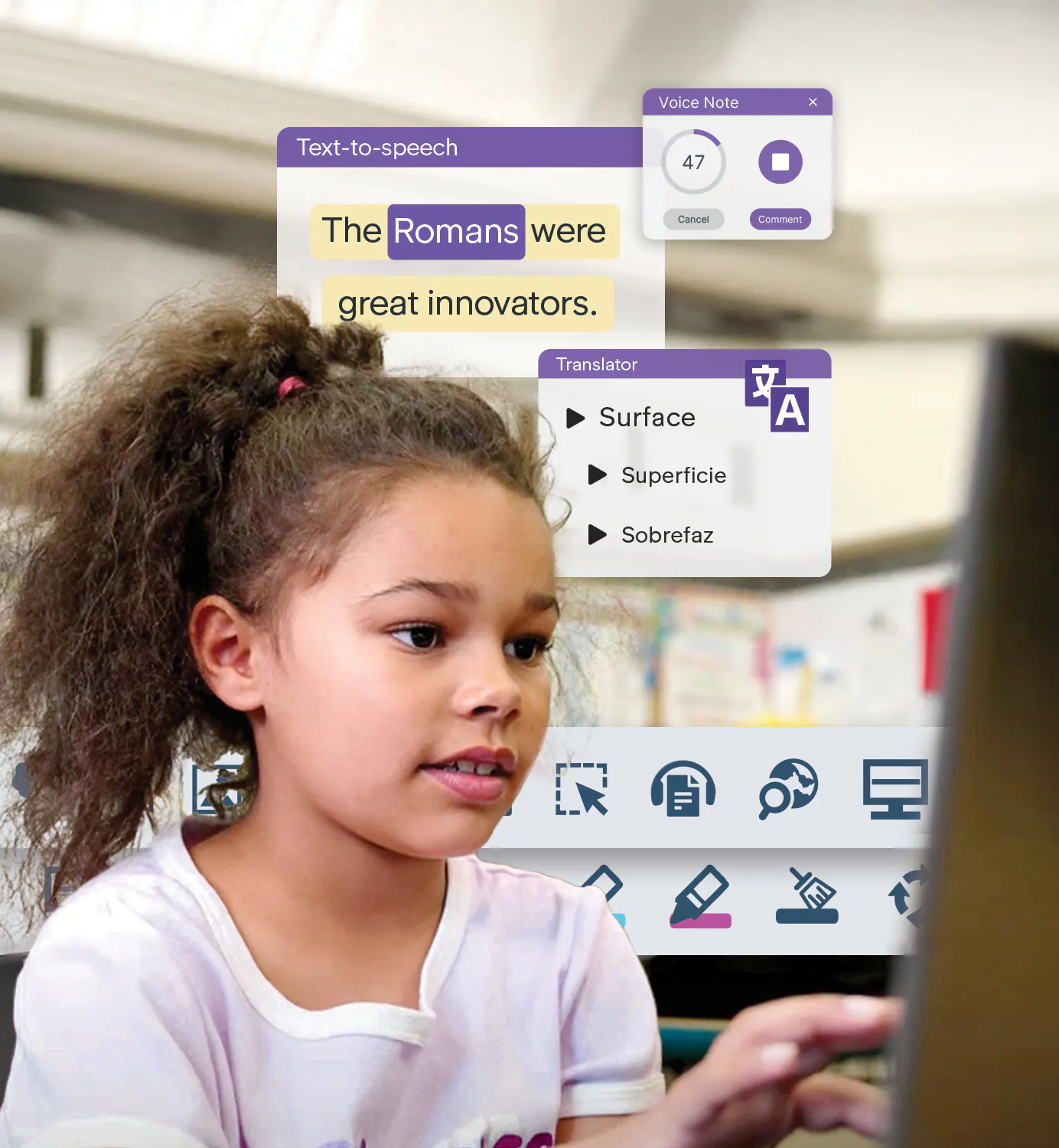
With Read&Write, students have instant support with everyday classroom tasks, from reading instructions and understanding vocabulary to expressing their thoughts in writing.
Read&Write supports more than just literacy. It helps students to focus, organise, research and study independently.
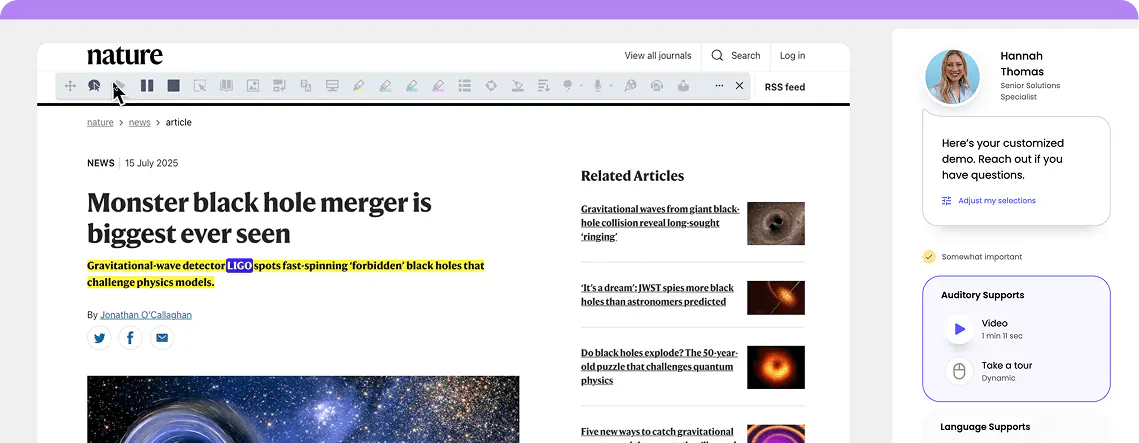
Explore some of Read&Write's key features for supporting dyslexia. Then take an interactive tour of the toolbar to see for yourself.
Help students access and understand digital text.

Reads text aloud with natural-sounding voices while highlighting words for easy tracking.

Creates a reading spotlight to improve focus and reduce visual distractions across and webpage or document.
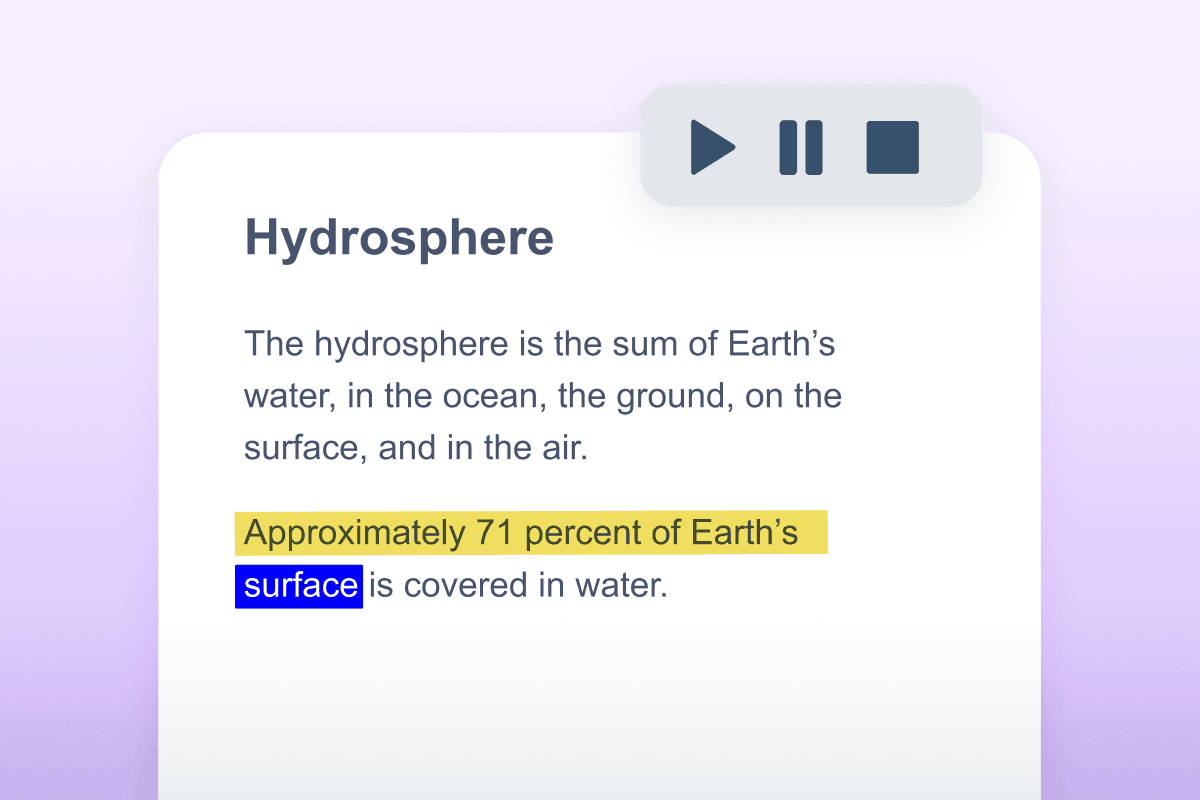
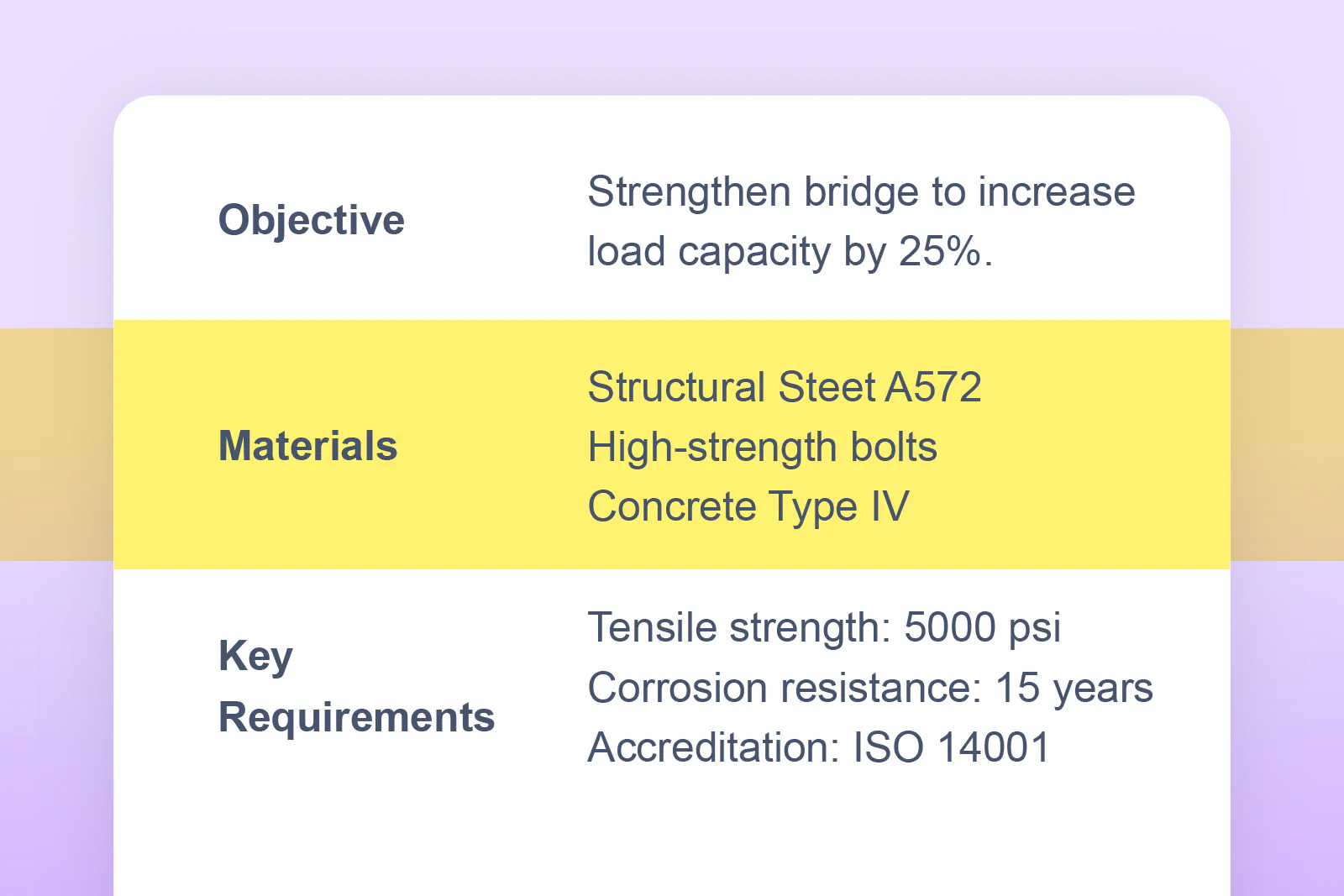

 Text-to-Speech

Provides definitions and visual supports to help students understand unfamiliar words.
Breaks down complex text into simpler language to improve understanding.

Help students express themselves clearly and confidently.

Lets students dictate text naturally - no typing required.
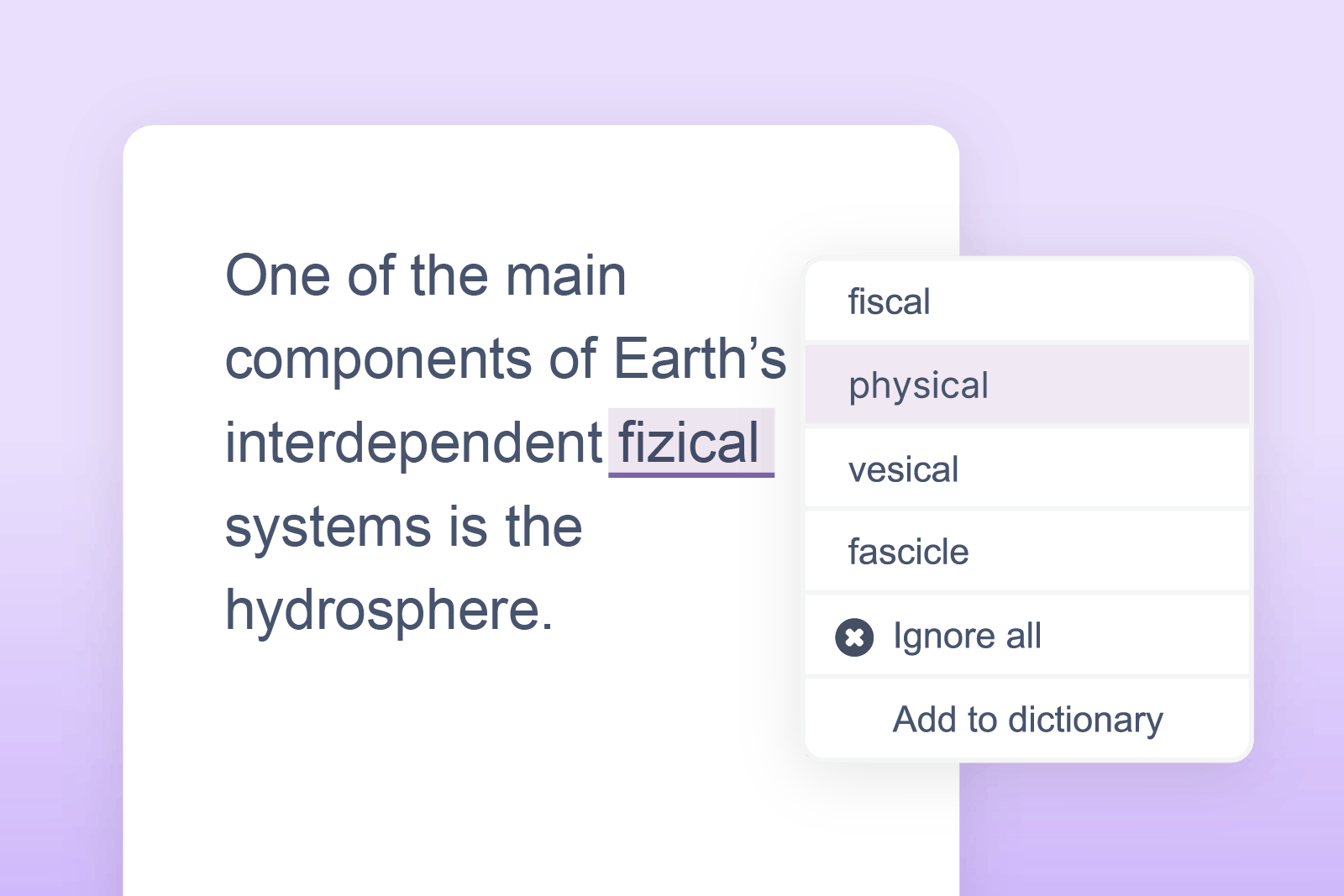
Suggests words and corrects spelling as students type to build fluency.
Help students sustain their focus, organise information and study smarter.
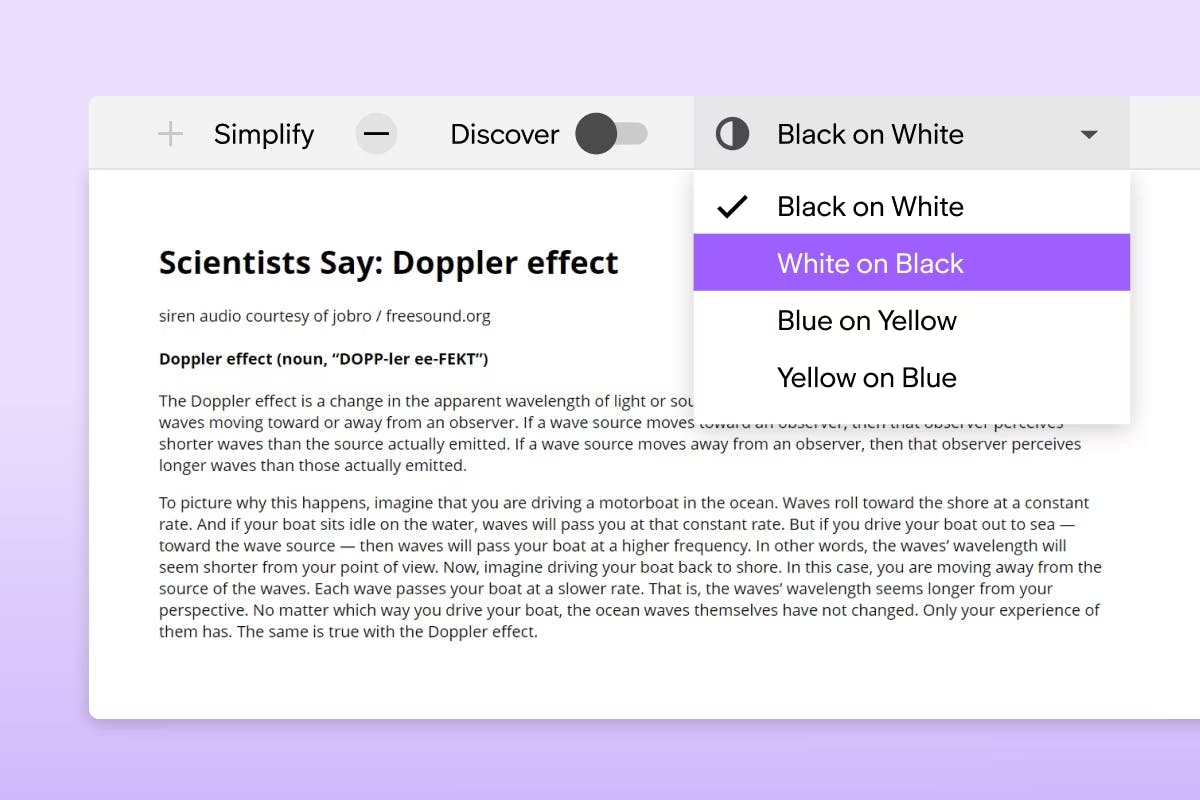
Declutter webpages and simplify text at a click, removing distractions and supporting comprehension.
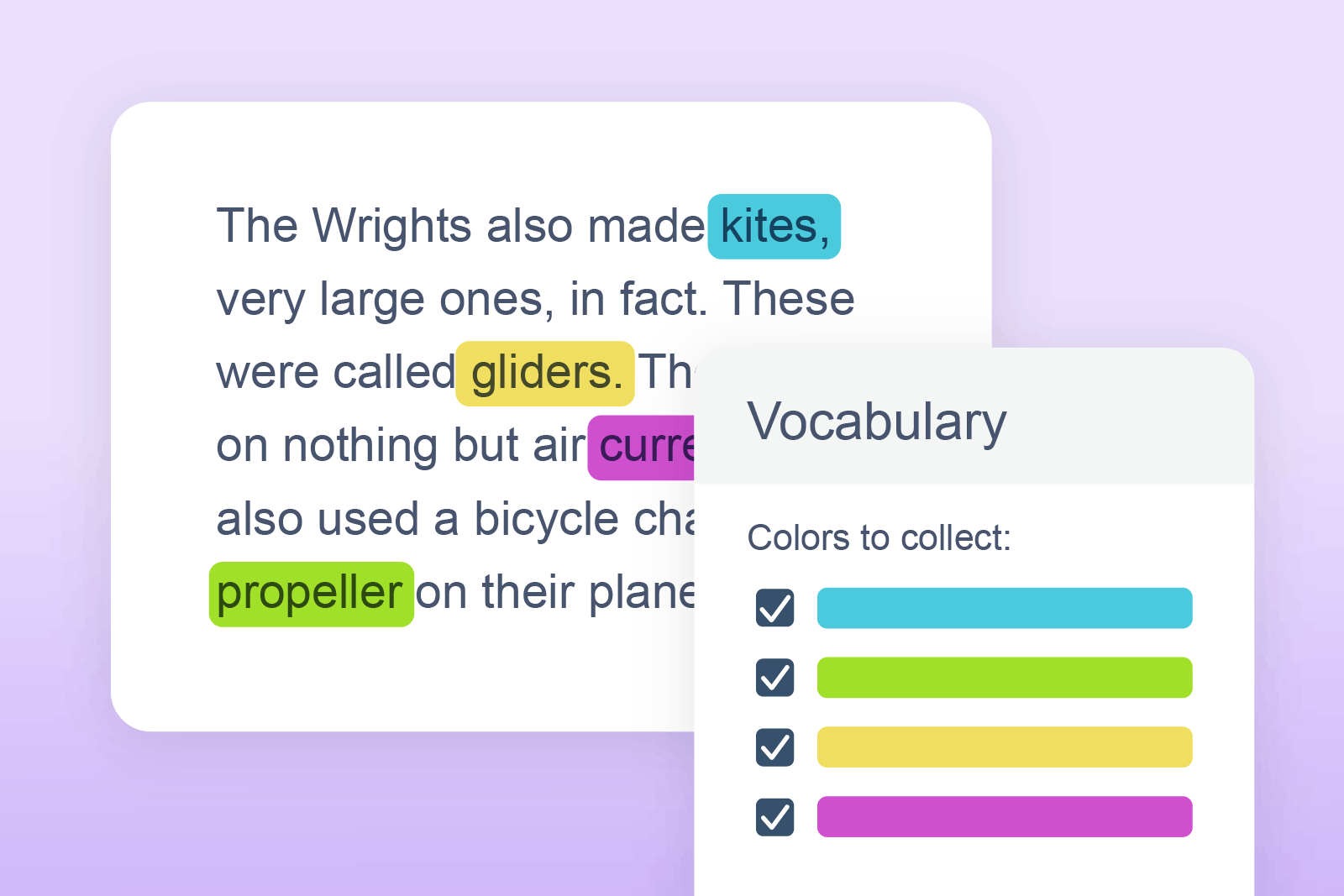
Build personalised word lists with definitions and images to support learning of subject-specific terminology.

Converts written text into audio files to download for flexible, on-the-go learning. Perfect for auditory learners.
Take a self-paced tour of the features that help students read, write and work independently in the classroom.
Safe and Secure
Our products provide the highest possible level of security for student, school/district and enterprise data.